One Inbox That Keeps Your Entire Team in Sync.
Give your support and sales teams complete visibility and control. Manage roles, balance workloads, automate routing, and collaborate in real time - all powered by AI in one shared workspace.
Team Activity
Sarah M.
Resolved ticket #1842
Luca R.
AI reply sent to James K.
Emma B.
Assigned to Sales queue
Arjun M.
Note added on ticket #1839
23
Open tickets
141
Resolved today
< 2m
Avg. reply
Set up your team in four simple steps
Invite your team
Add agents, supervisors, and admins. Set their roles and channel access in one step.
Configure routing rules
Define smart routing by channel, keyword, or customer tag. Conversations auto-assign to the right queue.
AI assists every agent
As agents reply, the AI suggests responses drawn from your knowledge base. Review and send in seconds.
Monitor and optimise
Track workload, resolution speed, and CSAT per agent. Use insights to staff smarter, every day.
Built for teams that move fast together
Roles, routing, workload visibility, and real-time collaboration tools - everything your team needs in one place.
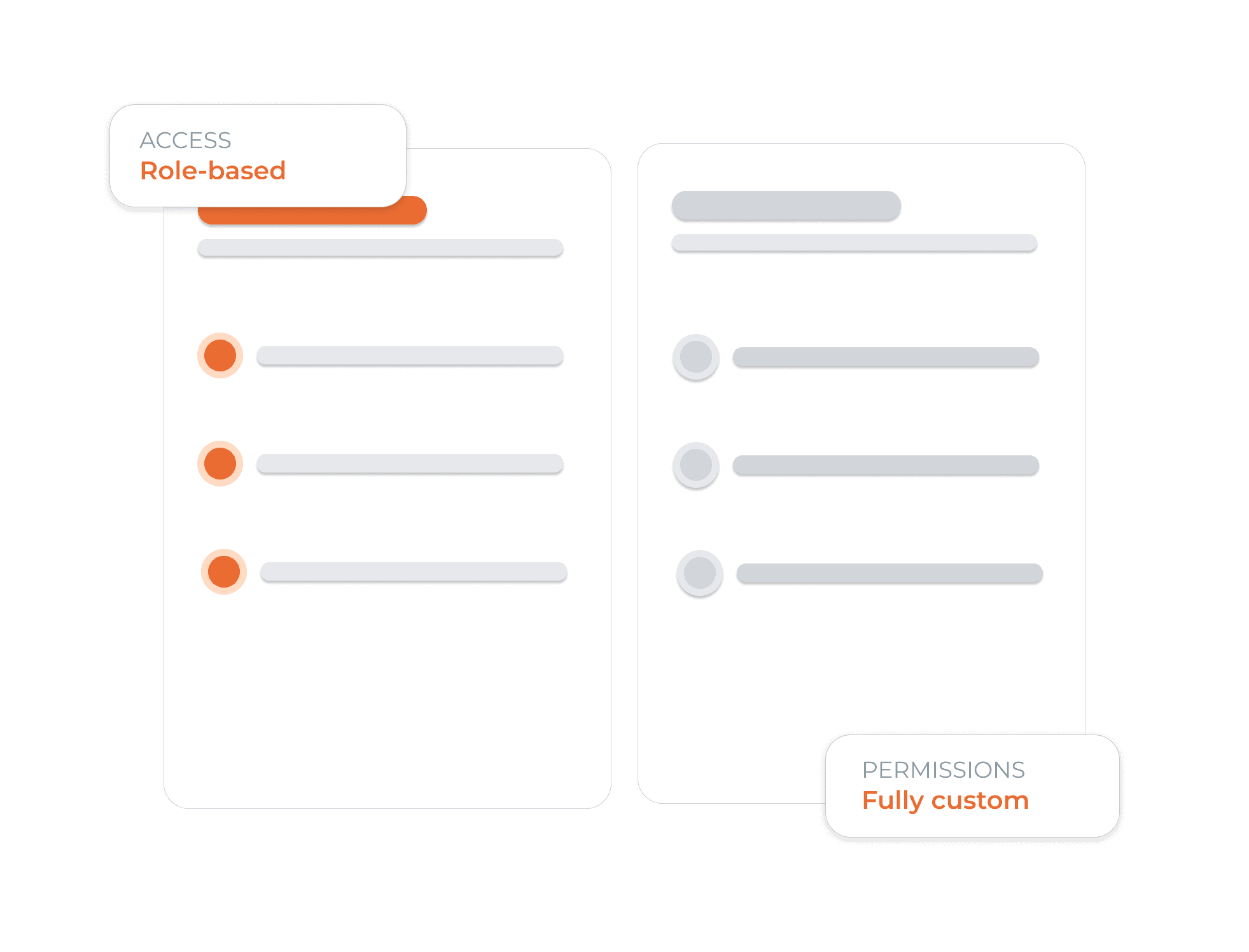
The Right Access for the Right People
Create custom roles for every team member and control access with precision. Decide who can view conversations, resolve tickets, export reports, or manage platform settings - keeping your team productive while sensitive data stays protected.
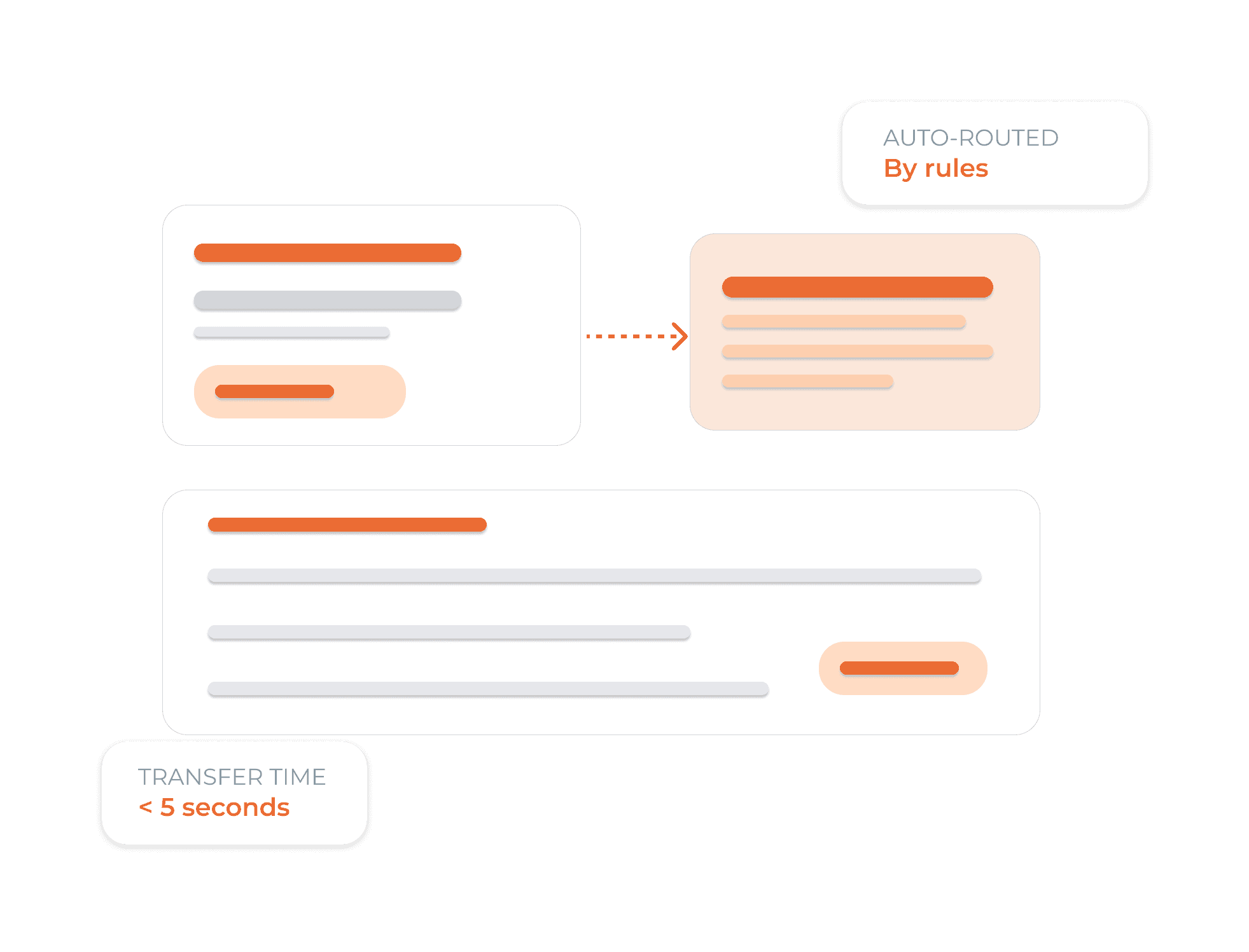
Intelligent Routing for Faster Agent Response
Set rules to automatically assign conversations based on channel, keywords, language, or customer tags. Every message goes straight to the right team or queue, so there’s no manual sorting or delays. Your team can also add private notes to collaborate on complex issues - visible only to your team, never to the customer.

Live Performance Tracking for Every Agent and Team
Track conversation volume, resolution rates, response times, and CSAT (Customer Satisfaction) scores in real time. Spot workload imbalances before they impact performance, and use heatmaps and trend analytics to schedule smarter, support your team better, and improve customer experience at scale.
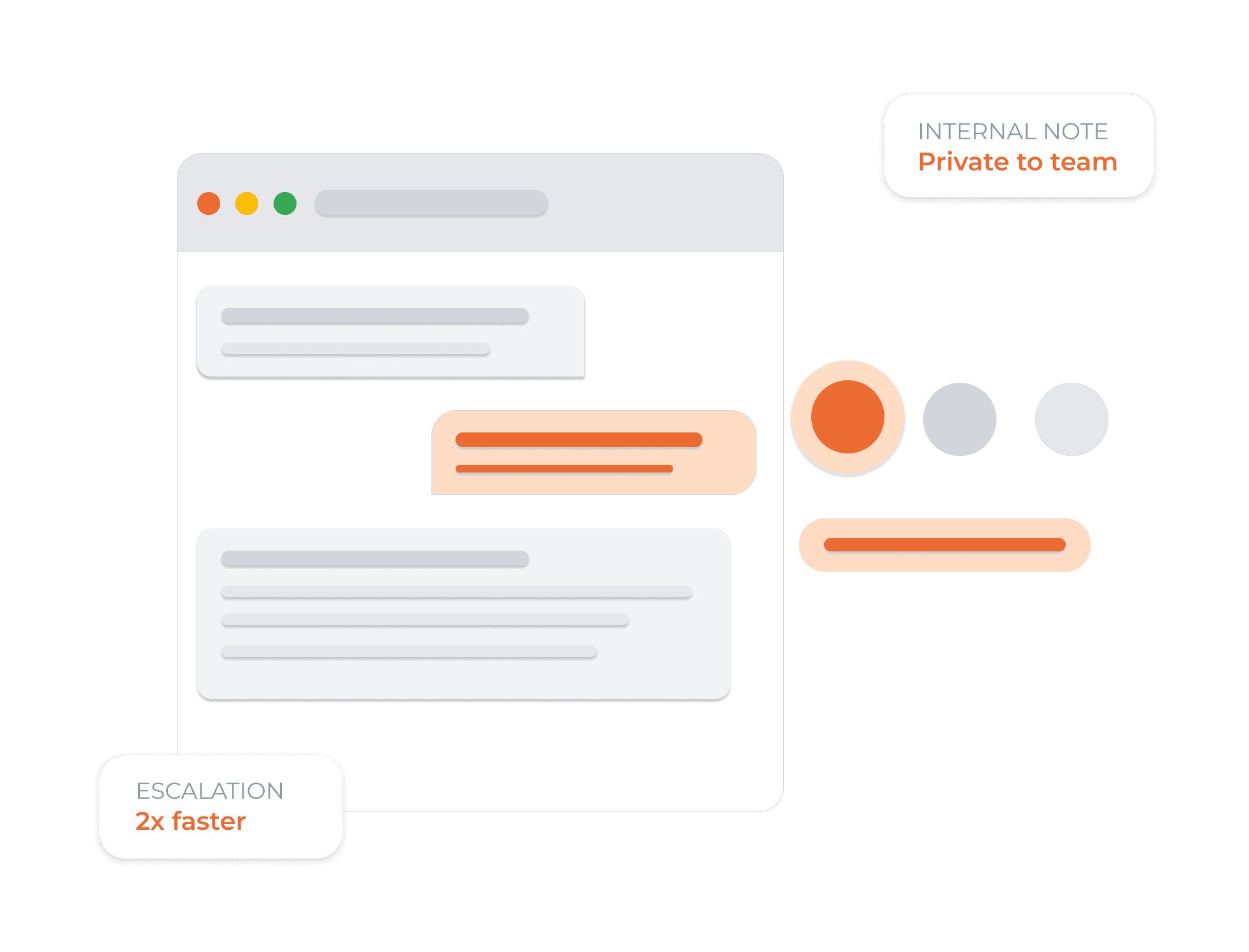
Notes and Team Hand-Offs Built Into Every Chat
Write private notes visible only to your team. Transfer conversations with full context attached. Escalate to a senior agent in one click. Your team stays aligned without leaving the inbox.
Frequently Asked Questions
Still have a question?
Contact us! We'll be happy to help you.
Yes! Dunefox AI supports integration with a wide range of tools and platforms. Our flexible APIs allow you to connect with your data sources effortlessly, enabling a smooth workflow and seamless data synchronization across your tech stack.
Everything Your Team Needs. One Workspace Powered by AI.
From role management and smart routing to workload visibility and live AI assistance, Dunefox helps your team collaborate better, respond faster, and scale with confidence.
No credit card · 14-day free trial · Cancel anytime